
Creating a desk setup that promotes both focus and comfort is essential for productivity and well-being, whether you’re working from home or in an office. A well-designed workspace can reduce distractions, prevent physical discomfort, and help you stay motivated throughout your day. In this post, we’ll share practical tips to optimize your desk setup so you can work more efficiently and comfortably.
1. Choose the Right Desk and Chair
Desk Height and Size
Your desk should be at a height where your forearms are roughly parallel to the floor when typing. This position helps prevent strain on your wrists and shoulders. Standard desk heights range from 28 to 30 inches, but adjustable desks or sit-stand options offer flexibility.
Make sure your desk surface is large enough to hold your essentials—computer, keyboard, mouse, notebooks, and a few personal items—while still leaving room to work comfortably.
Ergonomic Chair
An ergonomic chair supports your natural posture. Look for features like adjustable seat height, lumbar support, and armrests. Your feet should rest flat on the floor or on a footrest, with knees at about a 90-degree angle.
Adjust the chair so your back is supported without slouching, reducing fatigue and back pain.
2. Position Your Monitor Correctly
Height and Distance
Your monitor should be at eye level, so you don’t need to tilt your head up or down. This reduces neck and eye strain. Use a monitor stand or stack books to achieve the right height.
Place the screen about an arm’s length away (roughly 20-30 inches). This distance helps maintain clear focus without causing eye fatigue.
Reduce Glare
Avoid placing your monitor directly in front of a window or bright light source. Use curtains or blinds to reduce natural light glare. Anti-glare screen protectors can also help.
3. Organize Your Workspace Efficiently
Declutter Regularly
A tidy desk minimizes distractions and helps you focus. Keep only the items you use daily within reach—pens, notepads, and your computer.
Store less frequently used items in drawers or organizers to keep your surface clean.
Use Desk Organizers
Desk trays, pen holders, and cable management tools keep things neat. Organizing cables with clips or sleeves prevents tangling and makes your setup look sleek.
4. Optimize Lighting
Natural and Task Lighting
Natural light is the best for productivity, so position your desk near a window if possible. However, avoid direct sunlight hitting your screen.
Supplement natural light with a desk lamp that provides focused, adjustable lighting. Choose a lamp with a soft white or daylight bulb to reduce eye strain.
5. Add Comfort with Accessories
Keyboard and Mouse
Invest in an ergonomic keyboard and mouse that fit your hands comfortably. This prevents strain over long periods of use.
Consider a keyboard tray that allows you to type at elbow height and a mouse pad with wrist support.
Footrest and Cushions
If your feet don’t reach the floor, use a footrest to improve circulation and posture. Seat cushions can add comfort if your chair lacks padding.
6. Personalize Your Space
Adding a few personal touches can make your workspace more inviting and motivate you to stay focused.
– Plants: Small potted plants improve air quality and add a calming effect.
– Photos or Artwork: Personal images or inspiring artwork brighten your space.
– Motivational Quotes: Place quotes or notes that encourage productivity and positivity.
7. Take Breaks and Move
Even with the best desk setup, it’s important to take regular breaks. Stand up, stretch, and move around every 30-60 minutes to reduce muscle stiffness and improve circulation.
Consider using a sit-stand desk converter to alternate between sitting and standing during your workday.
8. Maintain Good Posture
Consistently practice good posture habits:
– Keep your back straight and shoulders relaxed.
– Avoid leaning forward or slouching.
– Keep your wrists straight when typing.
– Position your head so your ears are aligned with your shoulders.
Conclusion
A well-thought-out desk setup plays a big role in supporting your focus and comfort throughout the workday. By selecting ergonomic furniture, positioning your equipment correctly, organizing your space, and adding personal touches, you can create a workspace that helps you stay productive and healthy.
Regularly review your setup and make adjustments as needed to keep your workspace efficient and comfortable. Small changes can lead to big improvements in your work experience!
Related Posts
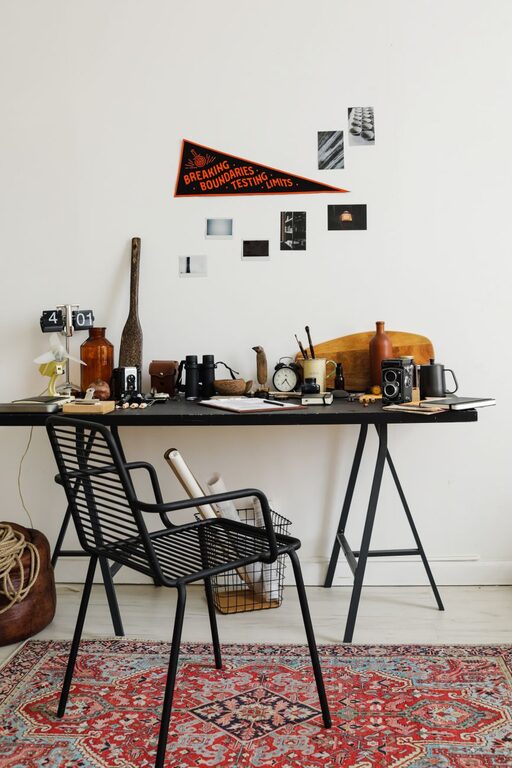
How to Refresh Your Workspace in Just Ten Minutes
Creating an inviting and organized workspace doesn’t have to take…

How to Set Healthy Boundaries with Your Notifications
In today's connected world, notifications keep us linked to work,…